Load…
5
Digital puzzles inspired by old-fashioned classics
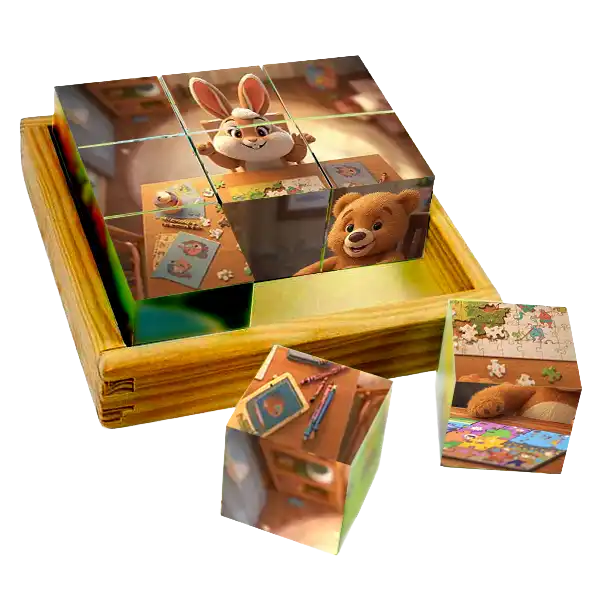 Lots of people still remember the times when the best toys were wooden cubes. In the 1970s and 1980s sets of cubes with pictures glued to the sides were popular (Picture Cube Puzzle). The child's task was to arrange them in a box and create a coherent whole – for example, a house, a tractor or a landscape. They are still produced today, but their popularity has long since passed. However, it is difficult to overestimate the advantages of such a seemingly simple game!
Our version of this game is a tribute to the classic. We tried to transfer this mechanism to the digital world, we added a different depth, a different dimension. If only to make it more than just a copy of wooden cubes, only on a computer screen. It was not supposed to be an ordinary puzzle, where the whole picture is completed from the fragments. Here, each element is a separate "block" that can be rotated in space until it reaches the correct position.
Although the game looks simple and easy, it is an excellent brain training. Manipulating objects along three axes (X, Y, Z) requires spatial imagination.
If the fragment is correctly positioned, a thin green border will appear around it. This signals that the element is in place!
You don't have to limit yourself to images from our database! You can upload your own photo directly from your computer.
Note: Your photo is processed only in your browser and is not sent to any server, so it is 100% private.
In the settings, you can change the difficulty level and choose from a 2x2 grid (for beginners) to a 6x6 grid (for masters).
"The best games are often the simplest."